General

Cristobal M
9/30/25, 8:43:12 PM EDT
Jessica we found the issues with the Permissions, you should be able to add Income/Expenses on the projects now.
And for the individual fields like "Add Expense Type" you should be also able to add new, the popup may not reload correctly so the next time you add a Income you should see the New Expenses types. I can fix better this commponent, but at least for now is saving the new values.
And for the individual fields like "Add Expense Type" you should be also able to add new, the popup may not reload correctly so the next time you add a Income you should see the New Expenses types. I can fix better this commponent, but at least for now is saving the new values.

Jessica S
9/30/25, 8:58:52 PM EDT
Thanks Cristobal. My projects look a bit like I can't navigate to any options now. No navigation to anything financial....what is the command I need to do to completely refresh?
Cristobal M
10/1/25, 11:19:28 AM EDT
Hello, no, some of us may let a Developer mode enabled by mistake, that should be gone by now, Let me know if you can navigate now please.

Jessica S
10/1/25, 12:48:56 PM EDT
Thank you Cristobal, Things are looking good and working overall. I have noticed one minor thing -- one account isn't populating correctly in the list, it's coming up in code. I believe it's "Christopher's Operations USA". Attached photo shows how it appears.
Cristobal M
10/1/25, 7:43:04 PM EDT
Jessica S
Thank you Cristobal, Things are looking good and working overall. I have noticed one minor thing -- one account isn't populating correctly in the list, it's coming up in code. I believe it's "Christopher's Operations USA". Attached photo shows how it appears.
Yes It is a multilanguage label issue, I can fix it.
Jessica S
10/15/25, 8:53:59 AM EDT
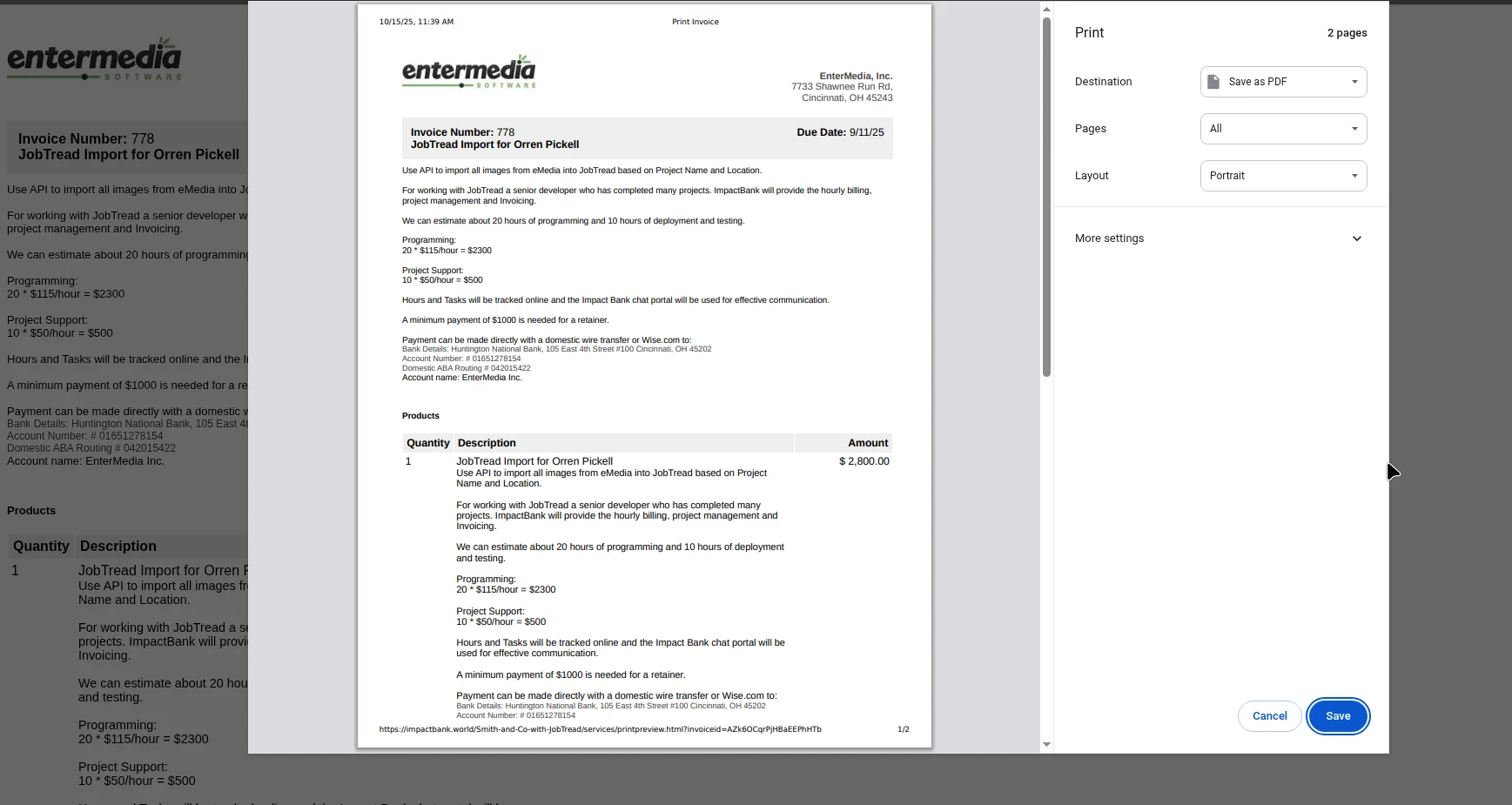
Hi Cristobal, We have had an inquiry on a payment by a client (ie they don't recognize the payment). In order for me to resolve it through Stripe, I will need to be able to download a copy of the Smith&Co paid invoice as proof of billing. Currently, when I click on it I get a blank screen with a jumpy bottom bar. Is it possible for me to view and download a paid invoice?
Can whomever communicates directly with the client on billing please let them know that "OPEN INS" is us? The payment was made by Amex by morgan@smithandco.ltd on Sept. 17. At this point it is only an inquiry into the charge. No refund has occurred. Please do not bill them again, at this time.
Can whomever communicates directly with the client on billing please let them know that "OPEN INS" is us? The payment was made by Amex by morgan@smithandco.ltd on Sept. 17. At this point it is only an inquiry into the charge. No refund has occurred. Please do not bill them again, at this time.
Jessica S
10/15/25, 10:22:58 AM EDT
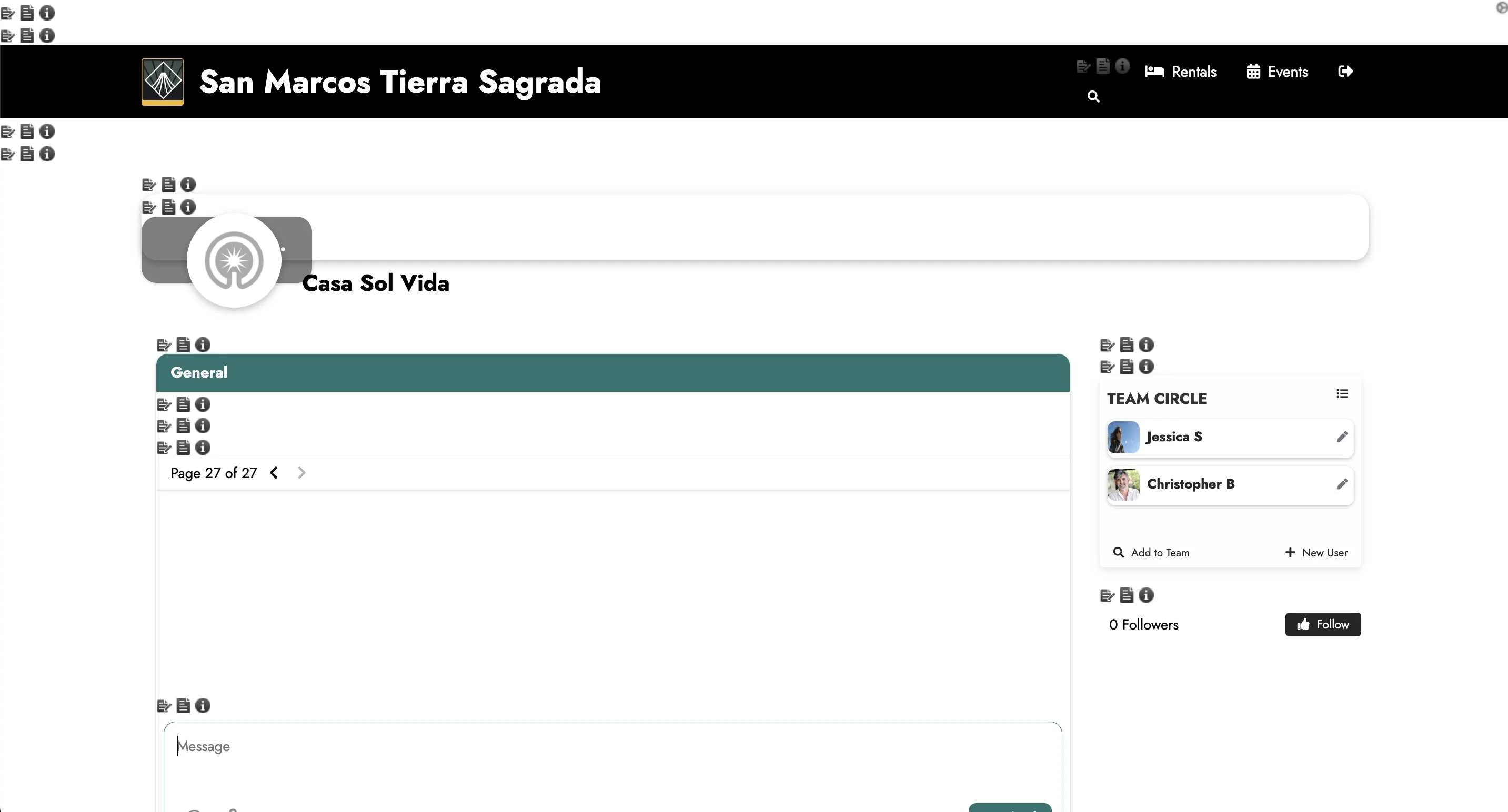
And Cristobal, can you please give me permission to view the calendar view within the Tierra Sagrada project?
Cristobal M
10/15/25, 1:40:26 PM EDT
Hello Jessica, I fixed the problem with the Header in the invoice. Now should be able to see the logo and EM address
Jessica S
10/16/25, 12:32:49 PM EDT
Good morning Cristobal, By chance did you have time to add me to the Tierra Sagrada booking calendar yesterday?
Jessica S
12/8/25, 6:35:12 PM EST
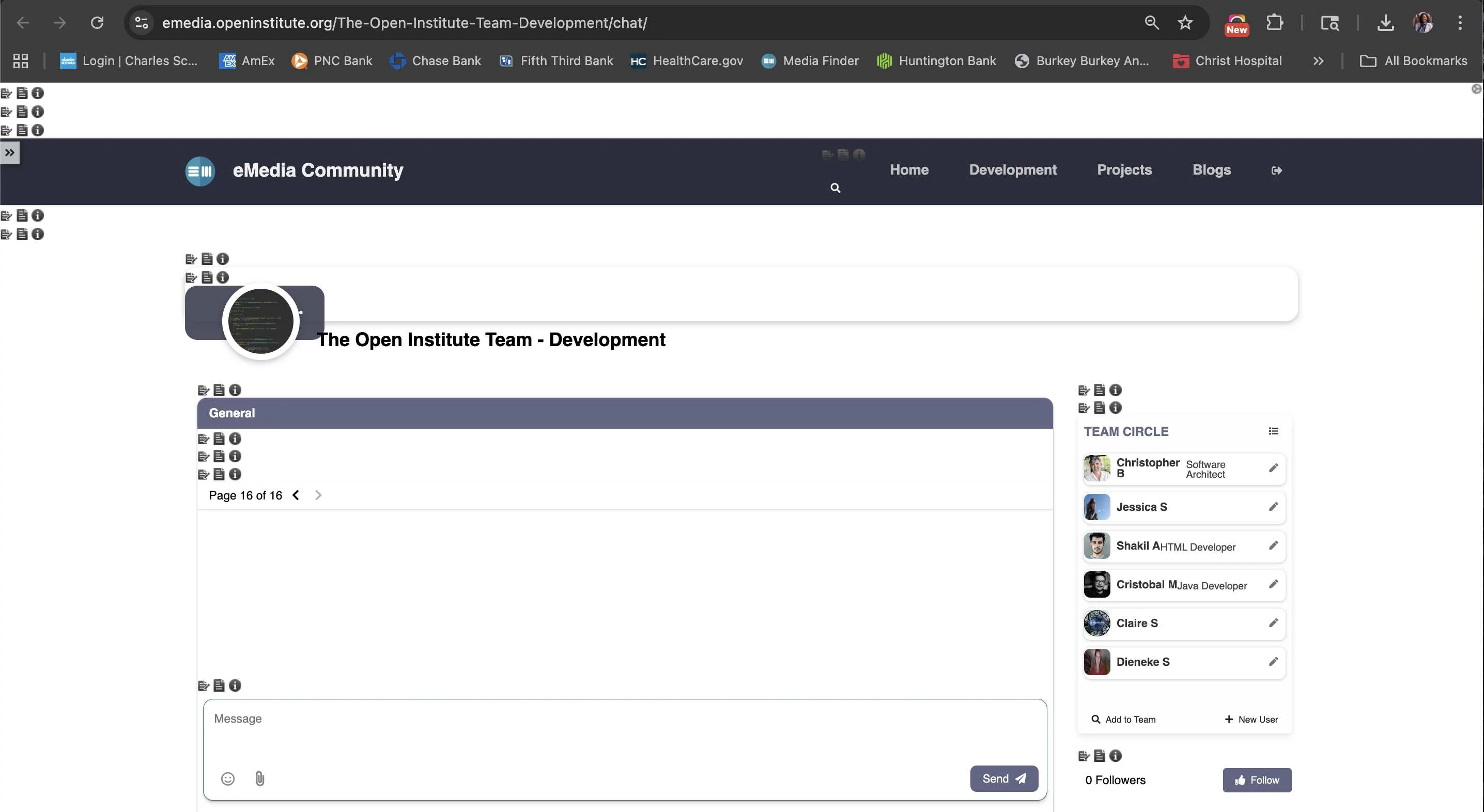
Hey Cristobal, I am in the middle of editing some financial transactions (literally mid-transaction) and I cannot click onto page 2, 3, or 4, etc of income entries in order to go back in time. I just get a blank screen. I am working on Casa Sol Vida project, but it is across other projects as well. Can you check for the issue?
Cristobal M
12/9/25, 2:05:44 PM EST
Hello Jessica, I see the problem and Im fixing it, I'll let you know once is deployed in the live site
Cristobal M
12/9/25, 7:01:38 PM EST
Hey Jessica, forgot to mention, I fixed the issues with the pagination on both Income and Expenses. I also deployed small fix for pasting Amounts on the amount fields, now you can paste directly amounts with dollar sign, field will auto fix as need it.
Jessica S
12/11/25, 11:18:15 AM EST
Thank you Cristobal, very helpful. Would it be possible to make sure that for all projects, on both income and expenses, the default sort is to either "income date" or "Paid Date" so that the most recent entry is first and back in time from there? Currently, I'm getting some random sorting that means each time I make an entry or edit an entry I have to then click expenses > sort > paid date to locate new entries or find where I was in editing past work.
Jessica S
12/17/25, 9:49:22 AM EST
Good morning Cristobal, I wanted to check in on the default date sorting for income and expenses issue that I mentioned. Some projects are defaulting to 2023 or 2022 data or defaulting to a random mix of past years. Can the default sort order be set to the most recent transaction first on both income and expenses for all projects?
Processing...